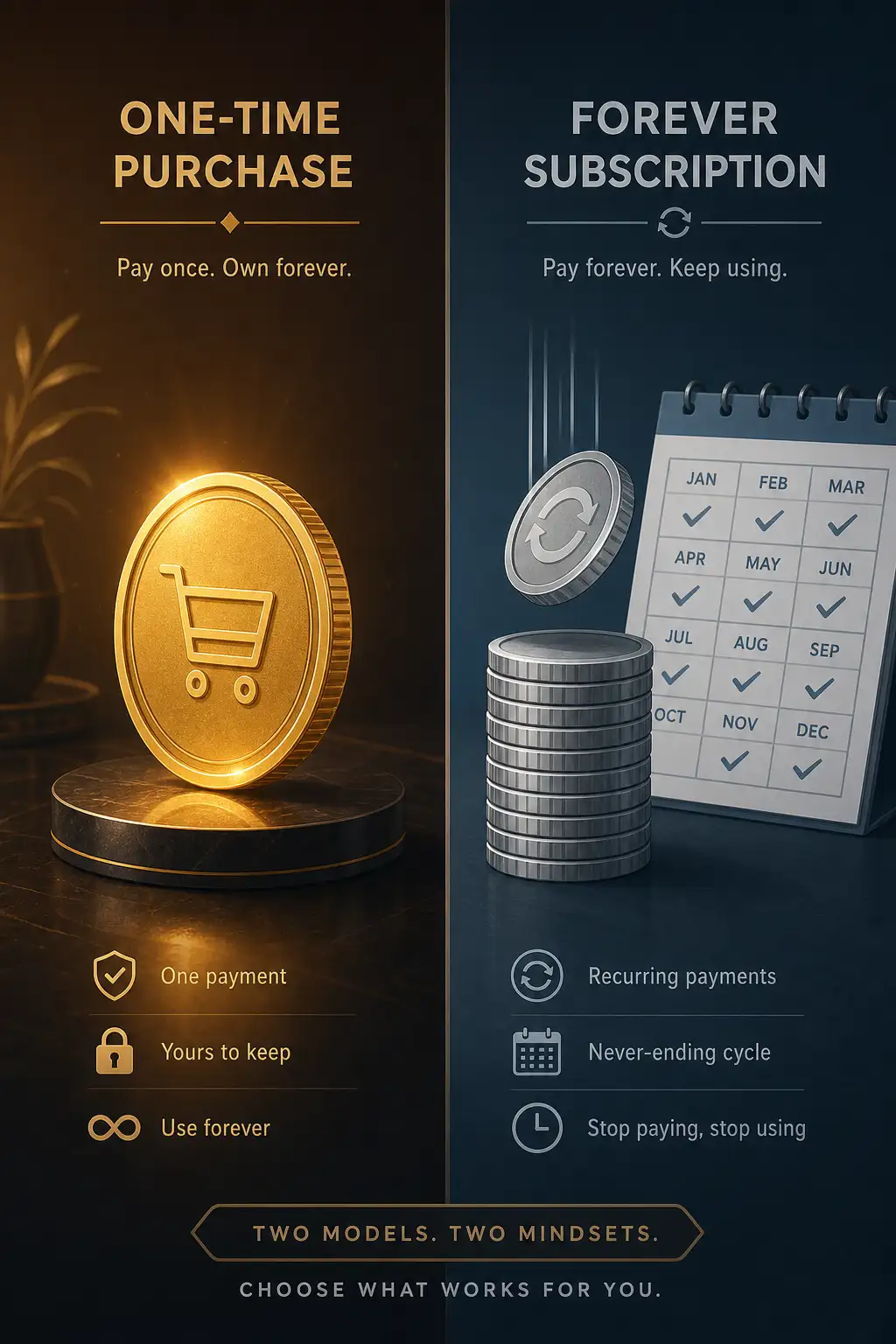
Adobe Photoshop has been the default answer for photo editing since the 1990s. It is the standard — the tool every professional knows, every tutorial teaches, and every client expects you to have. But Adobe’s subscription model means you never stop paying. Three years of Photoshop costs $828. Five years costs $1,380.
Affinity Photo costs $70. One time. Updates are free until the next major version, which comes every 2-3 years. For the price of 15 months of Photoshop, you own Affinity Photo forever.
The price difference is so dramatic that the real question is not which software is better — it is whether Photoshop is $23-per-month better. After extensive use of both for photo editing, compositing, and retouching, here is the honest answer.
Photo Editing and Retouching
Photoshop’s editing toolset is unmatched in depth and precision. Adjustment layers, blend modes, smart objects, content-aware fill, neural filters, and the sheer variety of selection tools mean there is almost always a way to achieve exactly what you want. The generative AI features — Generative Fill, Generative Expand — are genuinely revolutionary for compositing and retouching.
Affinity Photo covers about 85% of Photoshop’s feature set. The Develop Persona handles RAW processing. The Photo Persona has adjustment layers, live filters, frequency separation for retouching, focus merging for focus stacking, and panorama stitching. The selection tools are good but not as refined as Photoshop’s. There is no equivalent to generative AI fill.
For most photographers — exposure adjustment, color correction, retouching, compositing — Affinity Photo does everything needed. For advanced compositing, generative AI workflows, and professional retouching that requires pixel-perfect precision, Photoshop’s extra 15% matters.
RAW Processing
Photoshop’s Camera Raw is excellent: powerful, fast, and integrated with Lightroom for photographers who use both. The AI-powered masking (Select Subject, Select Sky) is fast and accurate. The workflow between Lightroom and Photoshop — round-trip editing with smart objects — is seamless.
Affinity Photo’s Develop Persona is competent but not Camera Raw’s equal. Basic adjustments are intuitive, but the AI-powered selection tools are less reliable. There is no ecosystem integration equivalent to Lightroom + Photoshop. For photographers processing hundreds of images per session, Adobe’s workflow is more efficient.
Performance
Affinity Photo is faster. The codebase is modern, optimized for GPU acceleration, and not carrying 30 years of legacy architecture. Launch time is under 3 seconds. Large files (1GB+ PSDs) open and render smoothly. Brushes paint without lag.
Photoshop is faster than it used to be, but still slower than Affinity Photo on equivalent hardware. Launch time is 8-12 seconds. Very large files can cause brief pauses during complex operations. The generative AI features require cloud processing, adding latency.
Affinity Photo is noticeably snappier for everyday editing tasks. Photoshop’s AI features add unique capabilities at the cost of speed.
File Compatibility
Photoshop files (PSD) are the universal format. Every client, printer, and collaborator expects them. Photoshop handles PSDs natively with full layer support, smart objects, and text editability.
Affinity Photo opens PSD files with good but imperfect fidelity. Most layers, adjustments, and masks translate correctly. Smart objects, advanced blending, and some text formatting may not survive the round trip. Affinity’s native format (.afphoto) is efficient but not widely supported outside the Affinity suite.
If you collaborate with other designers who use Photoshop, the file compatibility friction is real. If you work independently, Affinity Photo’s format is fine.
Learning Curve
Photoshop has 30 years of tutorials, courses, and community knowledge. Every question you could possibly have has been answered in a YouTube video or forum post. The interface is complex but consistent in its complexity.
Affinity Photo’s interface is cleaner and more modern, but it is different. The Persona system (separate workspaces for different tasks) is intuitive once you understand it, but unusual at first. The tutorial resources are growing but nowhere near Photoshop’s depth.
If you are learning from scratch, Affinity Photo is arguably easier. If you already know Photoshop, switching costs time.
Verdict
Affinity Photo is the best value in photo editing software. For $70, you get a professional-grade editor that does 85% of what Photoshop does, with better performance and a cleaner interface. For hobbyists, students, and independent photographers, it is the obvious choice. The money you save buys a lens.
Photoshop remains the correct choice for professionals who need its full feature set, collaborate with other Adobe users, or rely on generative AI features. The subscription cost is a business expense that pays for itself in capability and compatibility.
You do not need to choose permanently. Many professionals own Affinity Photo as a fast, capable backup and use Photoshop for client work. At $70, having both is cheaper than three months of Photoshop alone.