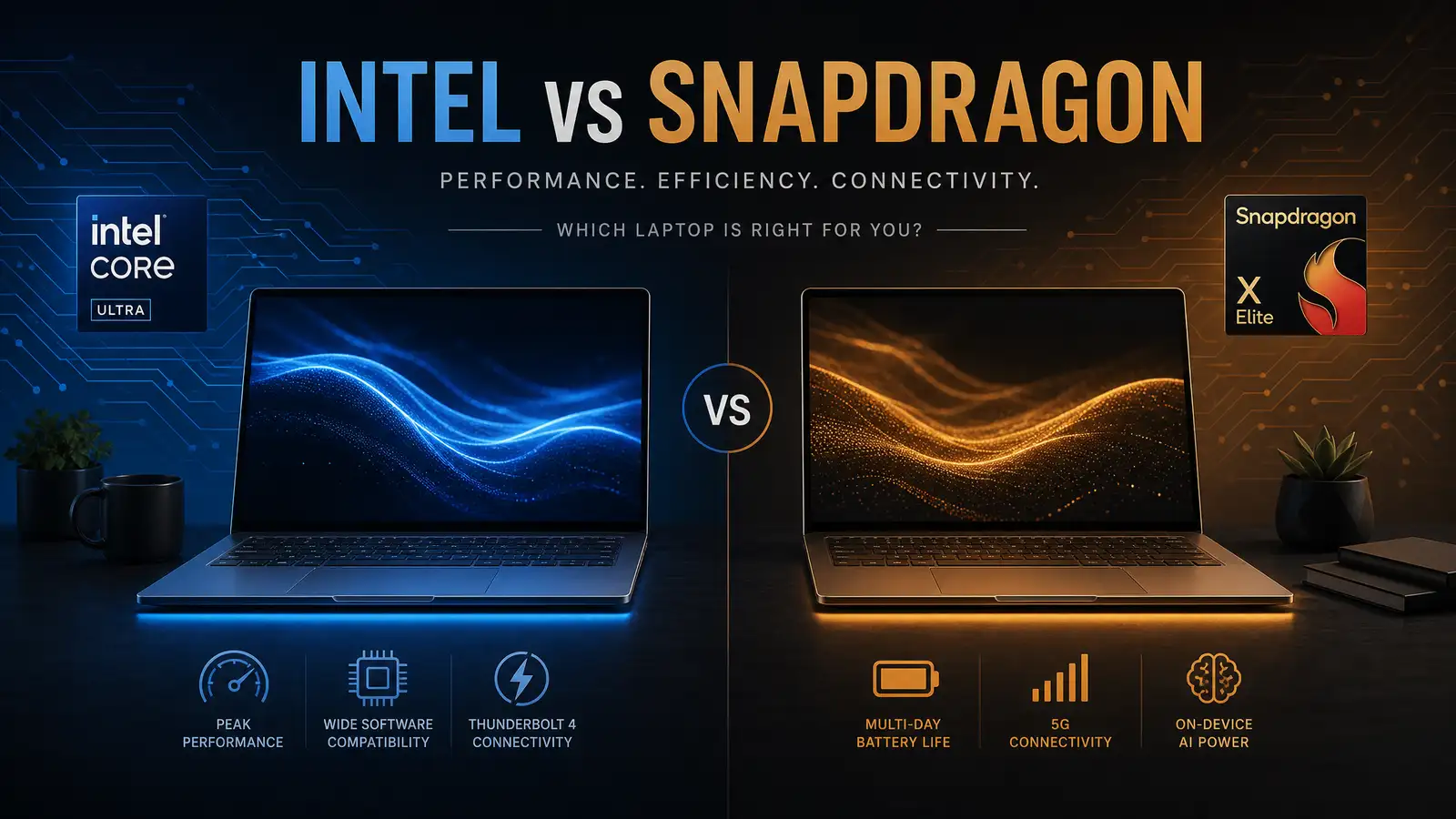
The laptop processor market is splitting into two camps faster than most buyers realize. On one side, Qualcomm’s Snapdragon X2 Elite — the second-generation ARM chip that builds on the surprise success of the X Elite and pushes battery life into territory that would have sounded like science fiction three years ago. On the other, Intel’s Core Ultra series, which doubles down on x86 compatibility and raw performance, betting that most users still prioritize speed over endurance.
After the first wave of X2 Elite laptops hit shelves in July 2026, and with Intel’s latest Core Ultra chips now shipping in dozens of designs, the question for anyone buying a Windows laptop this summer is straightforward: do you want a machine that lasts three days on a charge, or one that runs every app at full speed?
Battery Life: Not Even Close
The Snapdragon X2 Elite’s battery numbers are genuinely startling. Manufacturer figures for the first shipping models quote nearly 30 hours of video playback on a single charge. Those are optimized conditions, but even real-world mixed use — web browsing, document editing, video calls, the occasional Photoshop session — comfortably stretches past a full working day and well into the next. CNET’s early hands-on testing found that X2 Elite laptops routinely finish a 10-hour workday with 40 to 50 percent battery remaining.
The secret isn’t a bigger battery. It’s efficiency. The X2 Elite’s custom ARM architecture draws significantly less power at every performance level, and unlike previous ARM-on-Windows attempts, it doesn’t throttle aggressively when unplugged. You get the same responsiveness on battery as you do on AC power. For students who camp out in library corners where every outlet is claimed, or remote workers who bounce between coffee shops and co-working spaces, this alone changes the laptop-buying calculus.
Intel’s Core Ultra chips, by contrast, remain power-hungry by design. The latest Meteor Lake and Arrow Lake architectures have improved efficiency over previous generations — you can now get 10 to 12 hours of real-world use on many Ultra models. But that’s still less than half of what the X2 Elite delivers. If battery life is your number one priority, there’s no contest.
Performance: The Compatibility Tradeoff
Raw benchmark scores tell an Intel-favoring story. The Core Ultra 9 285H, Intel’s current laptop flagship, outpaces the X2 Elite in multi-threaded workloads by 15 to 25 percent. For video editing, 3D rendering, code compilation, and other sustained heavy lifting, Intel still holds the crown. The Core Ultra also benefits from decades of x86 optimization — every Windows application, every legacy plugin, every niche enterprise tool runs natively without emulation.
The Snapdragon X2 Elite closes the gap significantly compared to the first-generation X Elite, but it’s not caught up for raw throughput. Where it excels is in the kinds of workloads most people actually run: web browsing, office productivity, streaming, light photo editing. For these tasks, the X2 Elite feels snappy and responsive, and you’d be hard-pressed to notice a difference from an Intel machine in day-to-day use.
The elephant in the room is app compatibility. The Windows-on-ARM ecosystem has improved dramatically — Microsoft’s own apps, the Adobe suite, and most major browsers all have native ARM versions. But specialized software, particularly in engineering, finance, and older enterprise environments, still assumes x86. Prism, Microsoft’s x86-to-ARM emulation layer, handles many of these apps adequately, but performance takes a noticeable hit for demanding workloads. If your workflow depends on a specific piece of software that hasn’t been ported to ARM, the X2 Elite isn’t the right choice — yet.
Design and Pricing
Laptops powered by the X2 Elite tend to be thinner, lighter, and fanless or near-fanless, because the chip generates less heat. The first wave of devices from Samsung, Lenovo, and ASUS all land in the $900 to $1,500 range, positioning them squarely against Intel Core Ultra 7 and Ultra 9 laptops.
Intel-powered machines offer more variety at every price point, from budget $500 notebooks to $3,000 workstation replacements. If you need a specific screen size, GPU configuration, or port selection, the Intel ecosystem simply has more options.
The Verdict
For most people buying a Windows laptop in mid-2026, the Snapdragon X2 Elite is the better choice. The battery life advantage is transformative in a way that benchmark scores aren’t — you stop thinking about charging entirely, and that changes how you use the machine. App compatibility is good enough for the vast majority of users, and it’s improving every month as more developers release ARM-native versions.
The Intel Core Ultra still wins for three specific audiences: power users who need maximum multi-threaded performance for rendering or compilation, anyone whose workflow depends on legacy x86 software with no ARM port on the horizon, and gamers who want a discrete GPU paired with their processor. For everyone else, the X2 Elite represents the biggest generational leap in laptop battery technology since the switch from spinning hard drives to SSDs. It’s not just better — it changes what you expect a laptop to do.