Abhijith M B at Windows Latest, October 7, files Microsoft’s Surface Laptop Ultra as the MacBook Pro fight: NVIDIA RTX Spark, up to 128 GB of unified memory, starting price $2,599. PCMag’s preview the day before is less of a press release. A 128 GB machine, that piece says, can sit with $5,000 local-AI workstations, not with the $2,000 creator laptop you actually wanted. There is no independent review in either file. The winner line at the top is ports, RAM ceiling, and CUDA on Arm, with that asterisk glued on.
We already ran Surface Laptop 7 against the M4 Air and Framework 13 Pro against the 14-inch MacBook Pro. This is the 15-inch Spark chassis Microsoft pointed at the Pro. Do not import those battery hours. Nobody printed hours for the Ultra.
$2,599 is the door. 128 GB is a different SKU
Windows Latest’s start price is $2,599. That is the sentence Microsoft wants next to MacBook Pro. PCMag’s band for a capable premium mobile workstation or creator laptop still starts around $2,000, with mainstream high-end at $3,000 to $4,500 and maxed GPU or high-memory local-AI systems at $5,000 and up. The Ultra can live in more than one of those buckets depending on memory.
Gizmodo, October 6, splits the SKUs. The 18-core machine maxes out at 32 GB and, Gizmodo says, ships Windows 11 Home at the entry configs. The 20-core machine goes to 128 GB and Windows 11 Pro. Home versus Pro is mostly security and virtualization. The signaling is the point. 32 GB Home is a laptop. 128 GB Pro is a portable inference box that happens to have a keyboard.
If you came from a 14-inch MacBook Pro shopping tab, ask which Ultra is on the cart. The door price is not the 128 GB config. PCMag says Microsoft had not even posted UAE and Saudi prices; ignore regional placeholders. US $2,599 is the only door number in these pieces.
I am not printing a MacBook Pro street price from memory. PCMag’s bands are the comparison. If your Pro config is already in the $3,000 to $4,500 band, the Ultra’s door looks cheap until someone fills the 128 GB column.
RTX Spark is a superchip, not a dGPU
Windows Latest: RTX Spark is NVIDIA’s Grace Arm CPU and a Blackwell RTX GPU on one superchip, unified memory. Top configuration 20 CPU cores, 6,144 CUDA cores, memory 32, 48, 64, or 128 GB. The 18-core SKU drops to 5,120 GPU cores and 24 GB or 32 GB. Microsoft’s claim, in that article, is up to one petaflop of AI compute and local models up to 120 billion parameters. “The most powerful Surface Laptop ever built” is a slogan. 120 billion is a claim. Unified memory is the mechanism. A gaming laptop’s VRAM ceiling does not apply the same way if CPU and GPU share the pool.
CUDA on Arm is the compatibility sentence. Windows Latest says developers do not have to give up NVIDIA’s AI tooling to use this laptop. That is the whole point of Spark in a Surface. If your stack is Metal and macOS, none of this moves you. If your stack is CUDA and you were about to buy a 16-inch brick with a discrete GPU, the Ultra is the pitch: the memory is not stranded on a dGPU.
ThinkPad X9-15p versus MacBook Pro 14 was an OLED Windows creator machine with soldered RAM. Spark’s 128 GB is a different bet. It is still soldered in spirit until someone publishes a teardown. Do not assume you can add sticks later. Nobody in these stories said you can.
3:2 and 2,000 nits are the Surface sentence
Both Windows Latest and PCMag agree on the panel: 15-inch mini-LED PixelSense Ultra, touch, 3:2, 262 PPI, up to 2,000 nits peak HDR, Dolby Vision. PCMag adds 120 Hz VRR. Chassis under 18 mm and under 4.5 pounds. Platinum or a new Nightfall finish. Haptic pad “over 30 percent larger” than the 15-inch Surface Laptop.
3:2 is extra vertical pixels for documents. MacBook Pro stays 16:10 in the class these writers are aiming at. I am not going to quote a Pro nit number that is not in these stories. 2,000 nits is the Surface billboard. Believe it when a lab repeats it. Touch on a creator laptop is a preference. If you hate fingerprints, you will hate this glass.
Weight under 4.5 pounds for a 15-inch mini-LED with dual-fan cooling is the other billboard. Windows Latest says thermal capacity is up to 2.5 times the 15-inch Surface Laptop 7th Edition. PCMag says dual-fan, more than twice the cooling of Surface Laptop 7. Same claim, two phrasings. It is still a claim until someone logs skin temperature and a sustained token rate.
Ports vs the slab
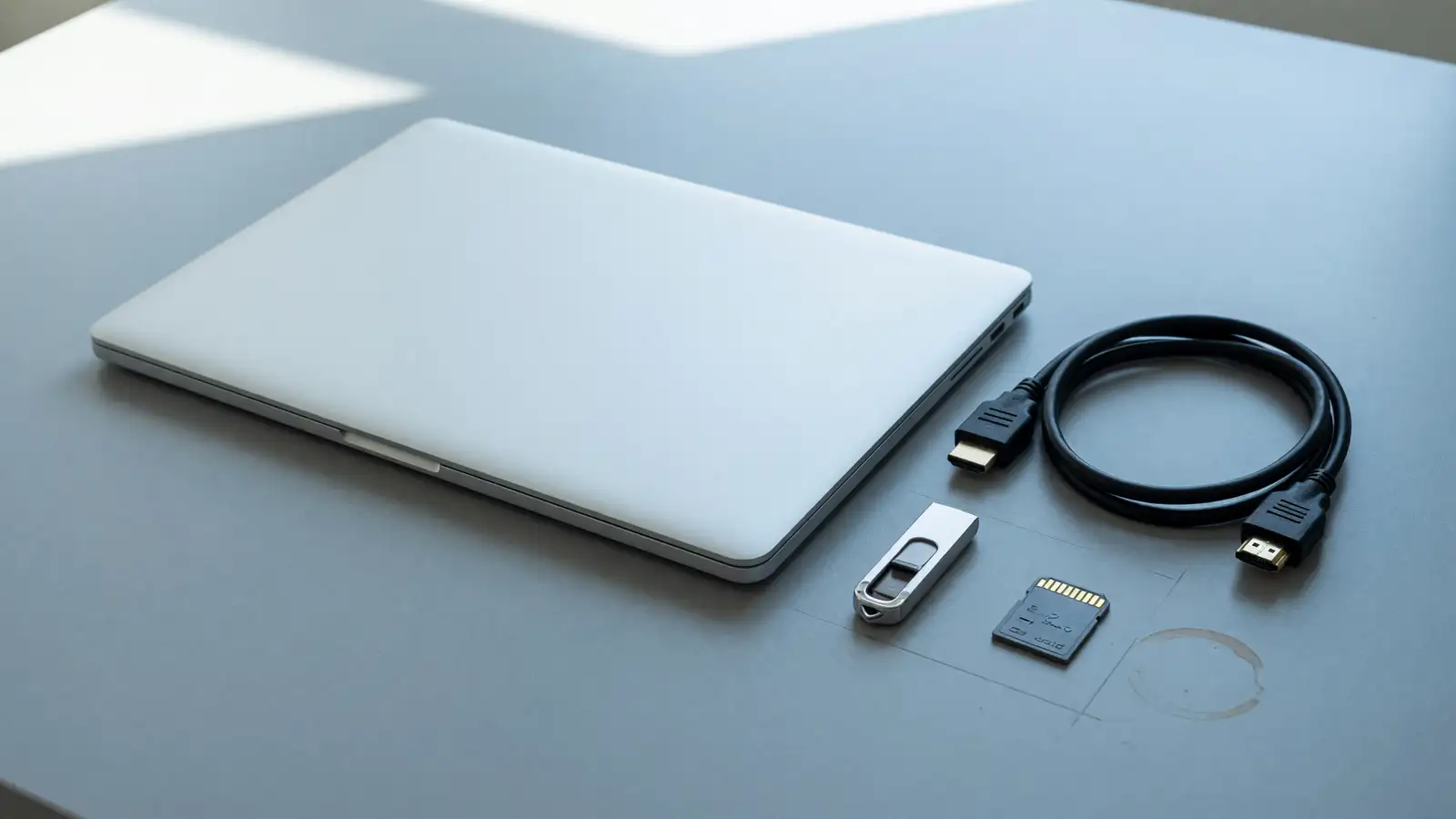
Windows Latest’s port list: three USB-C, USB-A, HDMI, full-size SD, 3.5 mm. The parenthetical is the fight: MacBook Pro still has no USB-A. PCMag repeats HDMI, USB-C, USB-A, SD, headphone.
If you live in dongles, this paragraph is the review. A full-size SD reader on a 15-inch body is why photographers still look at Windows 15-inch machines. HDMI without a dongle is why a classroom cart still looks at Windows. USB-A is why a headset dongle is not a shopping trip.
The MacBook Pro side of this comparison, from these sources, is the missing USB-A and the brand you already own. There is no battery number, no display measurement, no SSD throttle log. The 14-inch Pro versus XPS 14 had more lab. This pair does not. Do not paste those Cinebench charts onto Spark.
Cooling and Windows scheduler are claims
Microsoft rebuilt the Windows 11 task scheduler as Workload Profile Scheduling to spread work across 20 cores, Windows Latest says, and wrote a Power and Thermal Framework with NVIDIA so the laptop can sustain AI loads without cooking itself. That is a software promise attached to a new SoC. Believe it after a 30-minute generate, not after a keynote.
The 18-core versus 20-core split is the practical cooling story even before a review. Gizmodo’s 32 GB cap on the 18-core SKU is also a cap on how large a local model you should plan for. Microsoft’s 120 billion parameter line lives on the memory ceiling, not on the door-price chip.
If you buy this as a laptop that sometimes runs a model, the 18-core 32 GB SKU is the honest machine, and it is the one that may ship Home. If you buy this as a model box that sometimes runs Outlook, you are in 20-core / 64 or 128 GB / Pro, and PCMag’s $5,000 neighborhood is the comparison, not a 14-inch MacBook Pro at the low end of the creator band.
262 PPI is a number. 120 Hz is a number. Hours are not
262 PPI on a 15-inch 3:2 mini-LED is a sharpness claim you can at least compare to the last Surface laptop you used. 120 Hz VRR, from PCMag, is a motion claim. Neither is a battery hour. Windows Latest does not print a watt-hour figure. PCMag does not print a rundown. Until a lab does, treat “under 4.5 pounds” as weight, not endurance. Spark plus mini-LED plus dual fans is not a recipe I would bet an 18-hour flight on. I also will not invent a Pro hour count to pick a winner.
Nightfall versus Platinum is paint. Useful if you care. Irrelevant to CUDA. The haptic pad being 30 percent larger than the 15-inch Surface Laptop is a Surface-to-Surface delta. It is not a pad-versus-Force Touch review. If you already hate Windows haptics, this will not convert you. If you already like Surface pads, it is a larger one.
The 24 GB option on the 18-core SKU is the trap at the bottom. Gizmodo’s 32 GB ceiling for that chip is the better reading of “max.” 24 GB is a config you should only buy if the price delta is ugly and you are not the local-AI customer Microsoft is keynoting. 120 billion parameters does not live there.
Arm Windows still means app compatibility is a Tuesday. These stories do not run a list of broken x86 tools. If your shop still needs a particular Win32 binary, that test is yours. CUDA native is the opposite bet: NVIDIA tools should be the easy part, Windows-on-Arm the hard part. Confirm both before you retire a 16-inch dGPU machine.
Who this is for until someone benches it
Buy the Ultra over a MacBook Pro if you need CUDA, USB-A, HDMI, an SD slot, and a 3:2 15-inch panel, and you accept Arm Windows as a given. Buy it only after you know which SKU is in the cart. The $2,599 door is not 128 GB.
Buy the MacBook Pro if your work is already on Apple silicon, your battery life is a measured number you rely on, and you do not want to be the person debugging CUDA on a first-wave Spark Surface. These stories do not give the Pro a fair lab. They give it incumbency.
Winner on the page: Surface Laptop Ultra, because the port list and the memory ceiling are documented and the Pro’s answers are not in this week’s files. That winner lasts until a review prints watts, hours, and whether 120 billion parameters is a demo or a Tuesday. If the first reviews show the 18-core SKU throttling like a thin Windows 15-inch, the winner line moves. Windows Latest’s “MacBook Pro killer” headline is marketing. Keep the port list. Drop the killer. PCMag’s October 7 event frame is the honest one: we will see if the bet pays off after someone runs the machine.
Preorder only if you can name the core count and the gigabytes. If the cart just says “Ultra,” you are buying a keynote. Microsoft will sell both SKUs as the same photograph. They are not the same computer.
Do not email a reviewer a 128 GB screenshot and a $2,599 cart. Those are two products. Send both numbers or send neither.
Until then, the tape measure is 15 inches, under 4.5 pounds, and a dongle you do not need today.