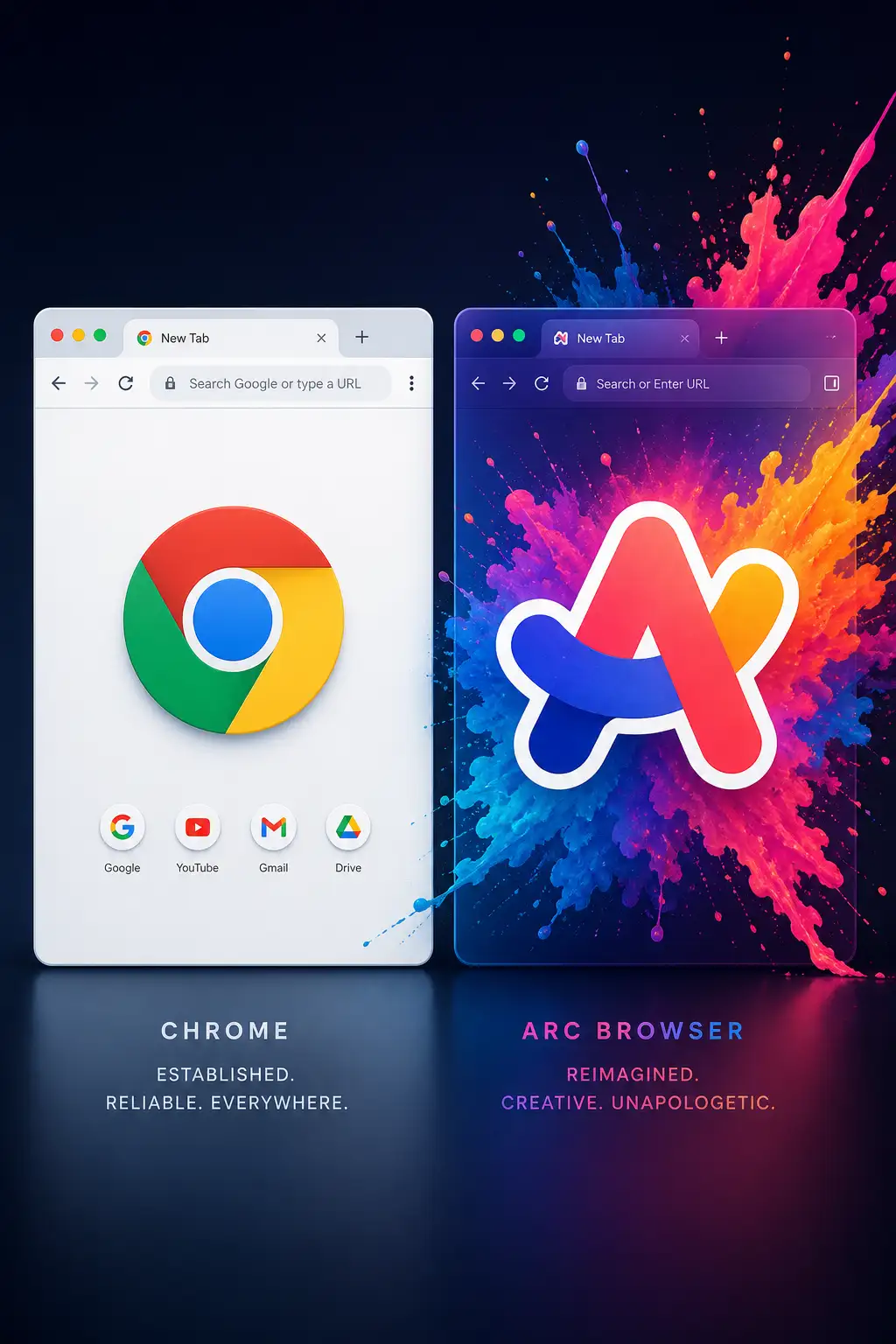
Chrome has been the default browser for over a decade. It holds 65% market share, syncs with every Google service you use, and works identically on every platform. Switching browsers in 2026 means leaving behind passwords, extensions, history, and muscle memory.
Arc, built by The Browser Company, asks you to do exactly that. It is not just a browser — it is a reimagining of how you organize your online life. Spaces, profiles, split view, and a sidebar that replaces tab overload with a structured workspace. The pitch is ambitious. After six months of using Arc as my daily driver and Chrome for everything that broke, here is what actually changes.
Tab Management
Chrome handles tabs the way browsers have since Netscape: a horizontal strip across the top that becomes increasingly useless as you open more tabs. At 20 tabs, you cannot read the titles. At 50 tabs, the favicons merge into a blur. Chrome’s tab groups help, but they are a bandage on a fundamentally broken model.
Arc replaces the horizontal tab strip with a vertical sidebar. Tabs are organized into Spaces (like “Work,” “Personal,” “Research”) and within each Space, into pinned folders. Pinned tabs stay permanently. Today’s tabs auto-archive after 12 hours, keeping the sidebar clean. The result is a browser that always shows you what you need and hides what you do not.
This is Arc’s killer feature. Once you adjust to vertical tabs and auto-archiving, going back to Chrome’s tab strip feels like sorting through a physical junk drawer.
Profiles and Spaces
Chrome’s profile system lets you have separate browsing contexts — work Google account, personal Google account — each in its own window. Switching means opening a new window or right-clicking a link.
Arc integrates profiles into Spaces natively. Your Work Space uses your work profile and shows work bookmarks. Your Personal Space uses your personal profile. Switching is one click or a keyboard shortcut. You can even open a link from your Work Space in your Personal Space with a right click.
If you manage separate work and personal browsing contexts, Arc’s implementation is significantly smoother.
Performance
Chrome is a memory hog. It is better than it used to be — tab freezing and memory saver modes help — but open 30 tabs and Chrome will use 4-6GB of RAM on a typical machine.
Arc is built on Chromium and has the same rendering engine, so page compatibility is identical. But Arc is notably more memory-efficient with many tabs open because of the auto-archiving system. Tabs that are not pinned and have not been used in 12 hours are removed from memory. The result is a browser that stays responsive even with a large workspace.
On heavy pages (Google Docs, Figma, YouTube), performance is identical since both use the same engine. The difference is in sustained usage — Arc stays snappy after days of uptime, while Chrome benefits from a periodic restart.
Extensions and Compatibility
Since Arc is Chromium-based, it supports every Chrome extension. The migration process imports your bookmarks, passwords, and extensions in minutes. Nothing breaks.
The one exception: Chrome’s built-in password manager works better in Chrome, and some Google services (particularly Google Meet) occasionally nag you to “switch to Chrome for the best experience.” These are minor annoyances, not blockers.
AI Features
Arc has built-in AI features: Arc Max includes automatic tab renaming (replaces “Document” with the actual page title), instant page summaries, and a “Browse for Me” feature that generates a summary page instead of showing search results. These are thoughtful additions that improve the browsing experience without being intrusive.
Chrome’s AI features are mostly Google’s: Search Generative Experience provides AI summaries above search results, and Chrome’s upcoming AI features focus on tab organization and writing assistance. They are useful but feel tacked on rather than integrated.
Arc’s AI features feel designed into the browser. Chrome’s feel like Google experimenting.
Verdict
Arc is the best browser for people who live in their browser. If you spend 6+ hours a day in web apps, managing research, juggling tabs, and switching between work and personal contexts, Arc’s Spaces and tab management will genuinely make you more organized and less overwhelmed. The learning curve is about a week, after which Chrome feels outdated.
Chrome remains the best browser for people who just want the internet to work. It is fast, compatible, and familiar. If you open a handful of tabs, check email and social media, and close the browser, Arc’s features are overkill.
The good news: Arc is free, imports everything from Chrome in five minutes, and you can always switch back. There is no reason not to try it for a week.