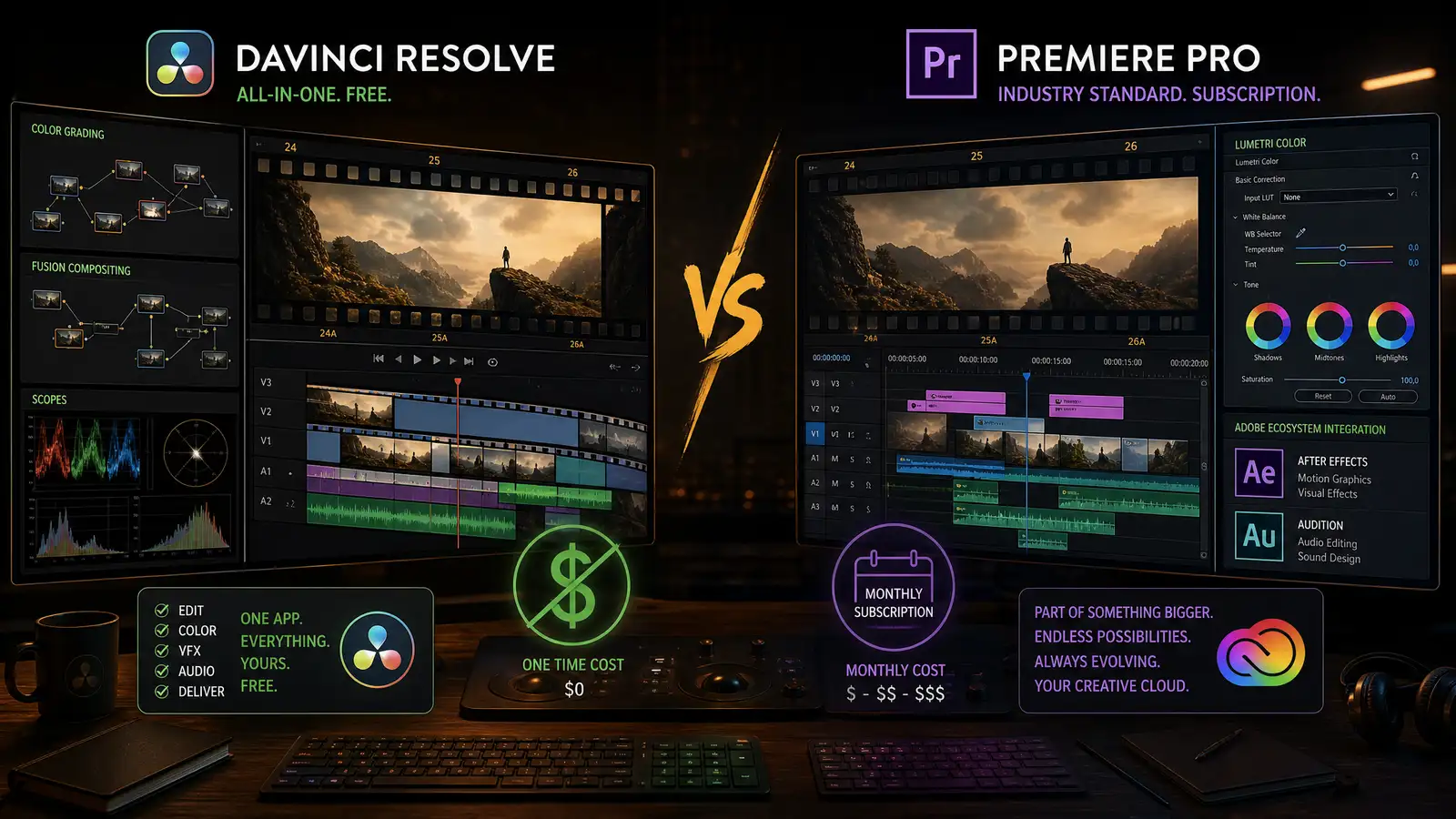
The video editing world has split into two camps: the Adobe camp, where Premiere Pro rules and everything integrates, and the Blackmagic camp, where DaVinci Resolve keeps getting better and somehow stays free. The choice used to be easy — Premiere was the industry standard, Resolve was for color grading. That is no longer true.
DaVinci Resolve 19 is a complete editing, color grading, audio, and visual effects suite. The free version does 95% of what the $295 Studio version does. Premiere Pro costs $23 per month forever. After editing projects in both, here is which one deserves your time.
Editing Workflow
Premiere Pro’s editing workflow is mature, flexible, and customizable. The timeline is precise. The trimming tools are best-in-class. The pancake timeline method — source timeline above, edit timeline below — is fast once you learn it. Custom workspaces save your layout for different tasks. The integration with After Effects for motion graphics and Audition for audio is seamless.
DaVinci Resolve’s Cut page is designed for speed: a streamlined interface that emphasizes quick assembly with minimal clicking. The traditional Edit page offers the full timeline experience comparable to Premiere. The magnetic timeline behavior is optional. The learning curve is steeper than Premiere — Resolve does things its own way, and unlearning Premiere habits takes time.
Premiere is more intuitive for beginners and faster for experienced editors who know its shortcuts. Resolve rewards investment with a more integrated workflow — you never leave the app for color grading or audio mixing.
Color Grading
This is not a comparison. Resolve is the color grading tool. It started as a color grading system for Hollywood films, and the grading tools remain far ahead of anything in Premiere. The node-based grading system, HDR grading tools, advanced curves, Magic Mask for automatic subject isolation, and the Color Warper for intuitive hue adjustments make Resolve’s color page the reason many editors switch.
Premiere’s Lumetri Color panel is fine for basic correction and stylized looks. It is accessible and fast for simple grades. But it cannot do what Resolve can do — the depth, precision, and creative control are in a different league.
If color grading matters to your work, Resolve is the only choice. If you apply a LUT and move on, Premiere’s simpler tools may be all you need.
Audio
Resolve’s Fairlight page is a full digital audio workstation built into the editor. Multi-track mixing, EQ, compression, noise reduction, reverb, and automation are all native. The free version includes basic Fairlight tools. The Studio version unlocks advanced features like Dolby Atmos mixing.
Premiere’s Essential Sound panel simplifies audio tasks: categorize a clip as dialogue, music, or SFX, and sliders adjust loudness, clarity, and dynamics. For complex audio work, Audition integrates directly, though it requires a separate learning curve.
Resolve’s integrated audio tools are more capable. Premiere’s approach — simple tools for simple tasks, Audition for complex ones — works but adds friction.
VFX and Motion Graphics
Premiere integrates with After Effects, the industry standard for motion graphics and compositing. Dynamic Link lets you jump between Premiere and After Effects without rendering. The ecosystem of templates, plugins, and tutorials for After Effects is unmatched.
Resolve’s Fusion page is a node-based compositor that is genuinely powerful — it does things After Effects cannot, like true 3D compositing and particle systems. But the learning curve is steeper, the template ecosystem is smaller, and the community resources are thinner.
For complex motion graphics, the Premiere + After Effects workflow is still the gold standard. For compositing and VFX, Fusion is more capable once you learn it.
Performance and Stability
Resolve is optimized for GPU acceleration and performs better on most hardware. Playback is smoother, rendering is faster, and crashes are less frequent. Blackmagic controls the hardware and software integration on their editing keyboards and color panels, which eliminates driver issues.
Premiere has improved stability in recent years, but it still crashes more often than Resolve, especially with complex projects and third-party plugins. The subscription model means Adobe continuously updates Premiere, which sometimes introduces new bugs alongside features.
Resolve is the more stable, better-performing application. The difference is noticeable on any hardware.
Pricing
DaVinci Resolve: free. The free version includes editing, color grading, Fairlight audio, and Fusion VFX — everything except 4K+ resolution export, noise reduction, and a few advanced features. The Studio version is a one-time $295 purchase that includes all future updates.
Adobe Premiere Pro: $23 per month with the single-app plan, $60 per month for Creative Cloud All Apps. You never stop paying. After three years, Premiere costs $828. Resolve costs either $0 or $295.
The pricing difference is enormous and grows every year. For students, hobbyists, and freelancers watching costs, Resolve’s value proposition is hard to argue with.
Verdict
For hobbyists, students, and cost-conscious creators: DaVinci Resolve is the obvious choice. The free version does everything you need, and the one-time Studio upgrade is a bargain when you outgrow it. The color grading tools alone justify learning the software.
For professionals in collaborative environments where After Effects, team projects, and the Adobe ecosystem are standard: Premiere Pro is the pragmatic choice. The industry inertia behind Adobe is real, and compatibility with clients and collaborators matters.
If you are starting fresh with no existing investment, try Resolve first. It costs nothing, and the skills transfer more broadly — learning color grading and Fusion makes you a more versatile creator. If you need Premiere later, the editing workflow is easy enough to pick up.