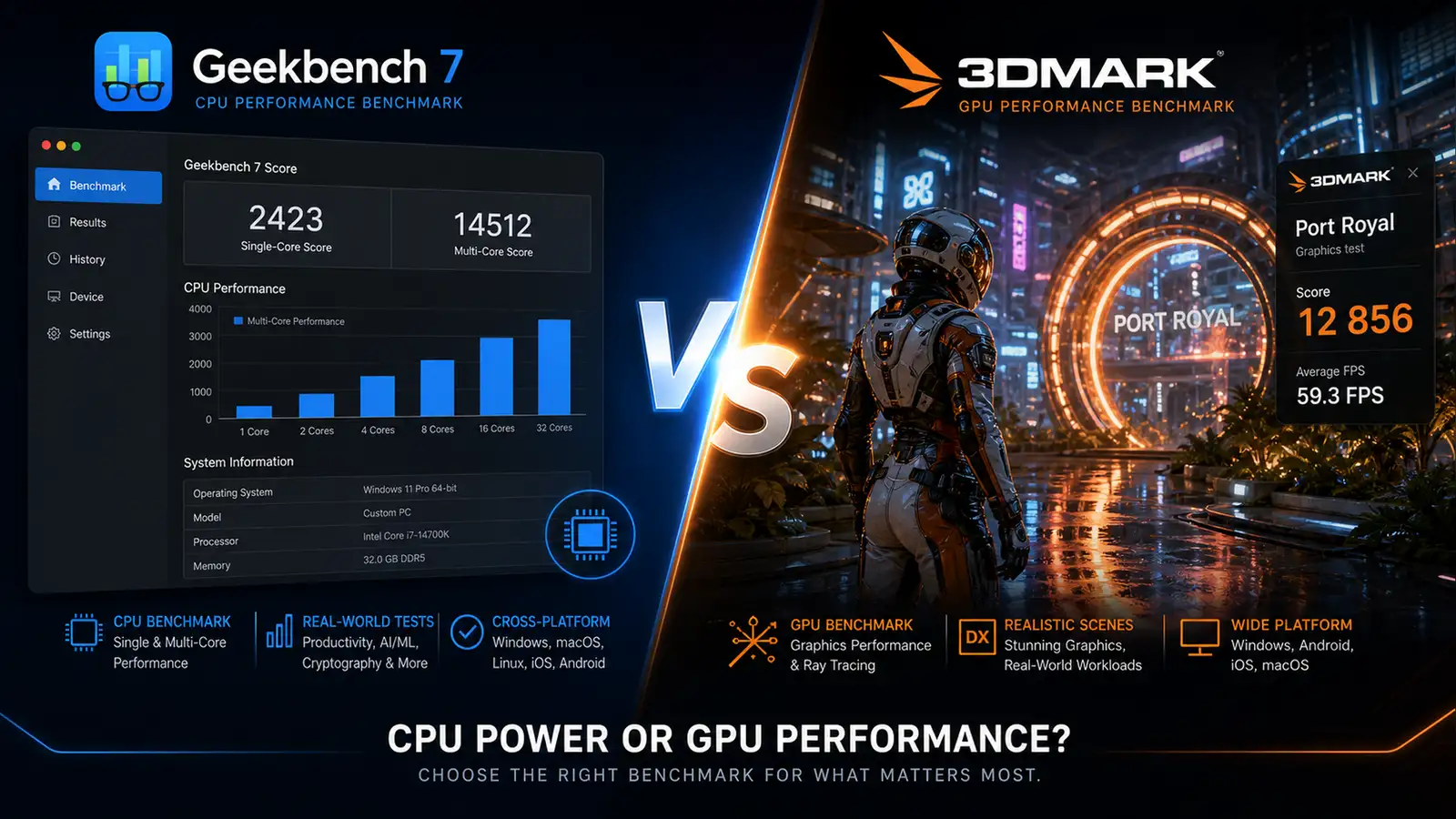
Benchmarking tools have a credibility problem. Every time a new phone or laptop launches, someone posts a Geekbench score, someone else posts a 3DMark result, and everyone argues about which number matters. The arguments tend to be loud, long, and completely miss the point. The truth is simpler than the arguments suggest: they measure different things, and the right one depends entirely on what you actually do with your device.
Geekbench 7 launched on July 23 from Primate Labs, bringing new workloads that reflect how people use computers in 2026. 3DMark, meanwhile, showed off a new path tracing benchmark at Computex that promises to push even the most powerful GPUs to their limits. Here is how they stack up across the categories that matter.
Purpose and philosophy
Geekbench measures overall system performance. Its tests cover CPU compute, memory bandwidth, file compression, image processing, and now media encoding and game physics. The goal is to produce a single number that reflects how fast a device feels in everyday use: opening apps, rendering web pages, compiling code, editing photos.
3DMark measures graphics performance, specifically gaming. Its tests push GPUs through increasingly demanding rendering workloads: DirectX 12, Vulkan, ray tracing, and soon path tracing with AI upscaling and frame generation. The goal is to answer one question: can this system run the games you want to play at the resolution and frame rate you want.
The philosophical difference is important. A Geekbench score is a general health check. A 3DMark score is a specialized stress test. Both are useful. Neither replaces the other.
This distinction has practical consequences for how the scores are used in the real world. Geekbench scores appear in phone reviews, laptop comparisons, and tech support forums because they answer the question most people actually ask: “Is this device fast enough?” 3DMark scores appear in GPU reviews, gaming benchmarks, and overclocking communities because they answer a narrower but deeper question: “How does this graphics card handle the most demanding rendering workloads?” The audiences overlap but the questions do not.
What is new
Geekbench 7 adds media workloads that were absent from version 6: Whisper speech recognition, AV1 video encoding and decoding, and Opus audio processing. These are designed to mimic real-world tasks like video conferencing, screen sharing, and content consumption. The File Compression and PDF Viewer workloads now use more challenging data sets. There is a Game Physics test using the Jolt Physics engine, the same one used in popular video games. The Photo Editor test supports modern formats like JPEG XL and DNG 1.
These additions matter because they close a gap that critics have pointed out for years. Geekbench 6 was good at measuring burst performance — how fast a CPU can complete a short task. It was less good at measuring sustained media workloads, which are increasingly what people actually do with their devices. A laptop that scores well on Geekbench 6’s older tests might still struggle with a 45-minute video export or an hour-long Zoom call with background blur enabled. The new AV1 and Whisper tests address that directly 1.
3DMark’s upcoming path tracing benchmark is a different kind of update. Where Geekbench 7 broadened its scope, 3DMark is deepening its specialization. Path tracing is the most computationally expensive rendering technique in use today, simulating the physical behavior of light for photorealistic results. The new benchmark will support AI upscaling and frame generation alongside native 4K, which means it tests not just raw GPU power but also how well a card’s AI accelerators handle these enhancing technologies. UL Solutions, the developer behind 3DMark, has not announced a release date yet, but the Computex demo confirmed it is in active development. The existing Solar Bay Extreme benchmark already brings top-tier GPUs to their knees, and the path tracing test is expected to be significantly more demanding 2.
Platform support
Geekbench 7 is available on iOS, macOS, Windows, Linux, and Android. If you want to compare an iPhone to a Galaxy phone to a MacBook to a Windows desktop, Geekbench is the only tool that lets you do it across all those platforms with a consistent scoring system. This cross-platform consistency is Geekbench’s killer feature. No other benchmark lets you directly compare an iPhone 18 Pro’s CPU performance to a Snapdragon-powered Android phone and an M5 MacBook Pro, all on the same scale.
3DMark is Windows-first with limited macOS and Android support. The full suite of benchmarks, especially the ray tracing tests, requires Windows with a DirectX 12 Ultimate-compatible GPU. Cross-platform comparisons are possible but narrower: you can test gaming performance on Windows laptops, some Android phones, and a handful of Macs, but the results are not directly comparable across operating systems in the way Geekbench scores are. 3DMark on Android runs a different set of tests than 3DMark on Windows, so even the same benchmark name may not mean the same thing across platforms.
Pricing
Geekbench 7 is free for personal use. The Pro version, which adds command-line automation, offline result management, and commercial licensing, costs $99 and is 20 percent off through August 6. Most users will never need the Pro version. The free tier gives you full benchmark results with no feature restrictions 1.
3DMark is free to download on Steam with a limited set of benchmarks. The full suite, including Time Spy, Port Royal, Speed Way, and Solar Bay, costs $34.99. Individual benchmark DLCs run $4.99 to $14.99 each. If you want every test, you are looking at around $90 for the complete collection, though Steam sales regularly cut that in half.
For casual users who just want to know if their system is performing as expected, Geekbench is cheaper and simpler. For serious gamers and hardware reviewers who need the full GPU testing toolkit with stress tests, the 3DMark price is justified by the depth of data it provides. The free version of 3DMark is enough to run a basic Time Spy benchmark, which covers most people’s needs. The paid upgrades are for people who benchmark professionally or obsessively, and those people know who they are. If you are not sure which group you fall into, start with the free version of both tools.
Accuracy and reliability
Geekbench scores are normalized and cross-platform. A score of 3,000 on an iPhone and 3,000 on an Android phone mean roughly the same level of performance for the tested workloads. The downside is that Geekbench runs short tests that may not reflect sustained performance under thermal load. A laptop that scores well in a two-minute Geekbench run might throttle significantly during a 30-minute render.
This limitation is well known and intentionally designed. Geekbench is not trying to measure sustained performance. It is measuring peak burst capability, which matters for the kind of quick, interactive tasks that define most people’s computing experience: opening an app, applying a filter to a photo, compiling a small code change. If you need to know how a machine performs under sustained load, you need a different tool — Cinebench for CPU rendering, or 3DMark’s stress test for GPU workloads.
3DMark benchmarks run longer, sometimes 10 to 20 minutes per test, which better captures sustained GPU performance and thermal behavior. The stress test mode runs loops of the same benchmark for 20 minutes and reports a stability score, which is essential for detecting thermal throttling. The trade-off is that 3DMark’s scores are platform-specific. A Time Spy score only makes sense when compared to other Windows systems with similar hardware. Cross-platform comparisons are not the point.
The stress test feature in particular is something Geekbench cannot replicate. If you have just built a gaming PC or applied a GPU overclock, running a 20-minute 3DMark stress test loop tells you whether your cooling solution and power delivery can handle sustained load. A stability score below 97 percent usually means something is throttling. This kind of diagnostic information is why 3DMark remains the standard for hardware reviewers and system builders even as newer benchmarks have entered the market.
Which one should you use
If you want to know whether your new laptop is performing as expected compared to other laptops in its class, run Geekbench. If you are comparing an iPhone to a Galaxy phone or a MacBook to a Windows laptop, Geekbench is the only practical option.
If you want to know whether your gaming PC can run a specific title at 4K with ray tracing enabled, run 3DMark. If you are overclocking your GPU and need to test stability, 3DMark’s stress test mode is essential.
Most people who care about benchmarks should use both. They answer different questions, and each question matters depending on what you do. The person editing 4K video on a MacBook Pro needs Geekbench’s media encoding scores. The person building a gaming PC with an RTX 6090 needs 3DMark’s path tracing numbers. The person doing both should run both and stop arguing about which one is better.
The real value of either tool is not the score itself. It is the comparison. A Geekbench score of 5,000 is meaningless in isolation. A score of 5,000 when the average for your device is 4,800 tells you your hardware is healthy. A score of 4,200 when the average is 4,800 tells you something is throttling, or a background process is eating resources, or your cooling needs attention. Benchmarks are diagnostic tools. Use them that way.
One final note: neither tool is a substitute for real-world testing. A Geekbench score tells you how fast a chip is at specific synthetic workloads. It does not tell you how responsive a laptop feels, how good the trackpad is, or whether the fans sound like a jet engine. A 3DMark score tells you how many frames per second your GPU can push in a controlled test. It does not tell you whether your favorite game has driver issues that cause stuttering in the third act. Benchmarks narrow the universe of unknowns. They do not eliminate them.
Footnotes
-
“Geekbench 7 Launches With Redesigned Multi-Core and GPU Benchmarks,” MacRumors, July 23, 2026. https://www.macrumors.com/2026/07/23/geekbench-7-launch/ ↩ ↩2 ↩3
-
“New 3DMark Benchmark Test Will Let You Use Upscaling and Frame Gen to Boost FPS,” PCMag, Computex 2026. https://www.pcmag.com/news/new-3dmark-benchmark-test-upscaling-frame-gen-to-boost-fps-computex-2026 ↩