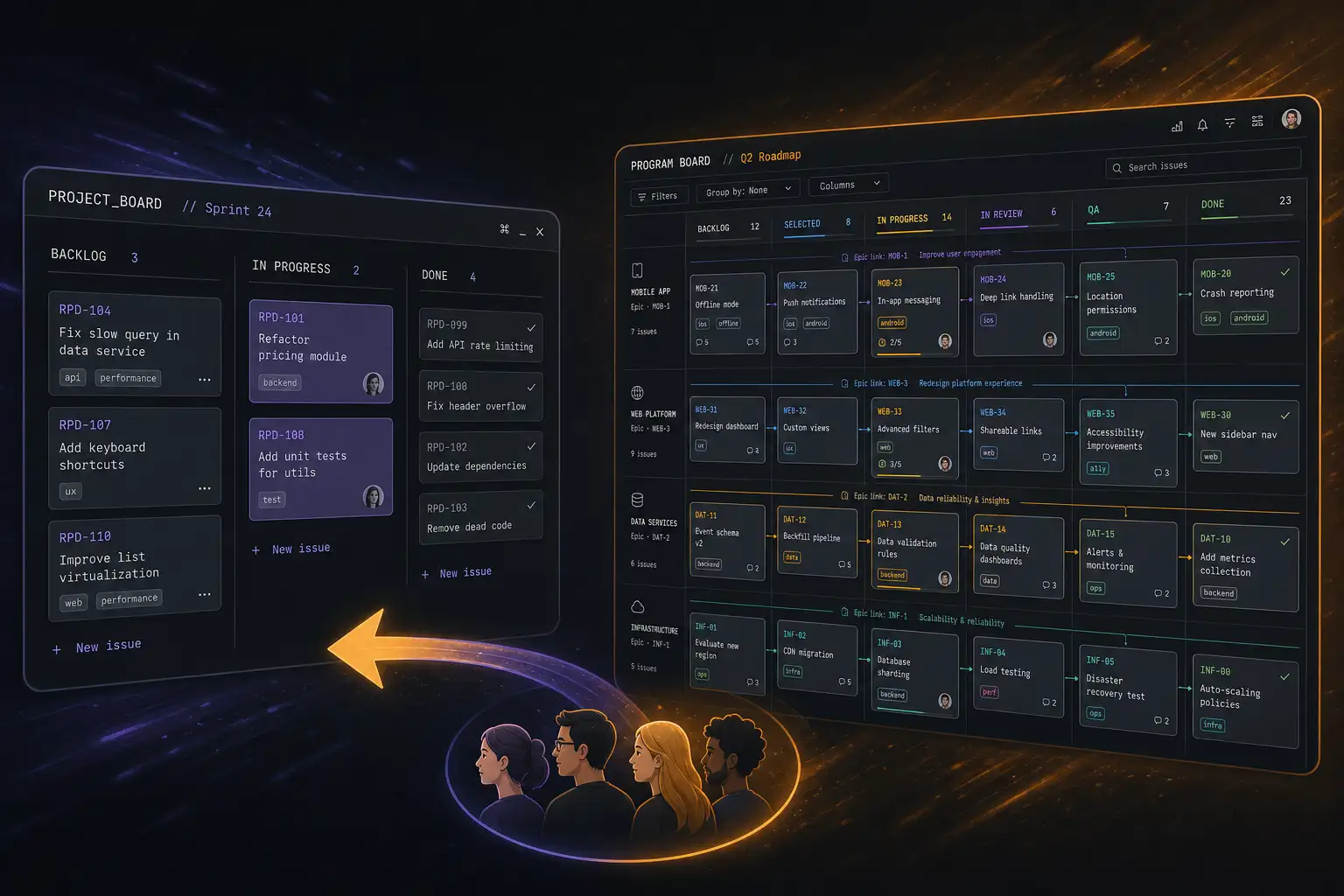
Every developer has an opinion about Jira. Most of those opinions are not kind. Atlassian’s project management tool has been the industry standard for two decades, and in that time it has accumulated enough features, configurations, and complexity to make a new user want to throw their laptop out a window.
Linear is the reaction. Built by former Uber and Airbnb engineers, it strips project management down to speed and clarity. The entire app loads faster than Jira’s login page. The keyboard shortcuts work everywhere. And the design philosophy assumes you want to spend as little time in the tool as possible.
After managing projects in both across multiple teams, here is when Linear works, when Jira still makes sense, and why the gap between them says more about your team than the tools.
Speed and UX
Linear is absurdly fast. Every page renders in under 100 milliseconds. The command palette (Cmd-K) lets you create issues, switch views, and navigate the entire app without touching the mouse. The interface is clean, minimal, and consistent across web and desktop.
Jira is slow. Page loads take seconds, not milliseconds. The interface changes depending on whether you are on a company-managed or team-managed project, a next-gen or classic board, a Cloud or Data Center instance. Every admin has configured it differently, so no two Jira instances work the same way.
If your team spends 30 minutes a day in the project management tool, Linear saves 20 of those minutes through sheer speed. Over a year, that is nearly two weeks of developer time.
Project Management Philosophy
Linear is opinionated. It has a specific workflow: issues have a status (Todo, In Progress, Done), a priority, an assignee, and a cycle (sprint). Cycles are optional. Projects group related issues. Views filter and display issues however you want. That is the model, and you work within it.
Jira is unopinionated to a fault. You can configure workflows with 30 statuses, custom fields, permission schemes, issue security levels, and automation rules that fire on 50 different triggers. This flexibility is Jira’s superpower for large organizations, but it is also why most Jira instances are over-configured and under-maintained.
For engineering teams of 5-50 people, Linear’s opinionated model is a feature — it gets out of the way and lets you build. For organizations of 500+ with compliance requirements, cross-team dependencies, and legal review workflows, Jira’s configurability becomes necessary.
Integrations
Jira has an integration for everything. Confluence for docs, Bitbucket for code, Service Management for IT tickets, and a marketplace of 5,000+ third-party apps. If your company has already bought into the Atlassian ecosystem, Jira’s integration depth is hard to match.
Linear integrates with GitHub, GitLab, Slack, Figma, and Sentry — which covers the tools most engineering teams use. The GitHub integration is particularly good: branches and PRs automatically link to Linear issues, and status updates sync both ways. But Linear does not have Jira’s breadth of integrations, and it does not try to.
If your toolchain is GitHub + Slack + Figma + Sentry, Linear’s integrations are perfect. If you need ServiceNow, Salesforce, or Zendesk integration, you are in Jira territory.
Reporting and Roadmapping
Jira’s reporting is comprehensive: burndown charts, velocity tracking, cumulative flow diagrams, control charts, and custom dashboards that pull from multiple projects. If you need to generate reports for stakeholders, Jira has everything built in.
Linear’s reporting is simpler: cycle analytics, project progress, and a roadmap view that shows timelines and dependencies. The roadmap is Linear’s standout feature — it is the most intuitive project timeline view in any PM tool. But Linear deliberately avoids velocity tracking and burndown charts, which the founders consider distractions from building.
If your stakeholders demand detailed sprint reports and velocity metrics, Jira delivers. If your team just needs to know what to build next and whether the project is on track, Linear’s lighter approach works better.
Pricing
Linear’s free plan is generous: unlimited issues for up to 10 team members. The paid plan starts at $8 per user per month and adds unlimited cycles, custom views, and priority support.
Jira’s free plan supports up to 10 users. Standard plan starts at $8.15 per user per month. Premium (with advanced roadmaps, sandbox, and AI features) starts at $16.05 per user per month. Enterprise pricing requires contacting sales.
At small scale, pricing is similar. At enterprise scale, Jira gets expensive fast.
Verdict
For engineering teams that want to move fast and spend less time managing work, Linear is the best project management tool available. The speed, the keyboard-driven UX, and the opinionated simplicity make it feel like a tool designed by people who actually write code.
For large organizations with complex workflows, compliance requirements, and non-engineering stakeholders who need detailed reporting, Jira remains the industry standard for good reason. It can be configured to handle anything — the challenge is configuring it well and maintaining discipline as the team grows.
If you have the authority to choose your team’s tools and you are under 50 people, Linear will make your team happier and more productive. If you work in an organization where Jira is mandated, the best thing you can do is advocate for a clean, minimal configuration and resist the urge to add custom fields.