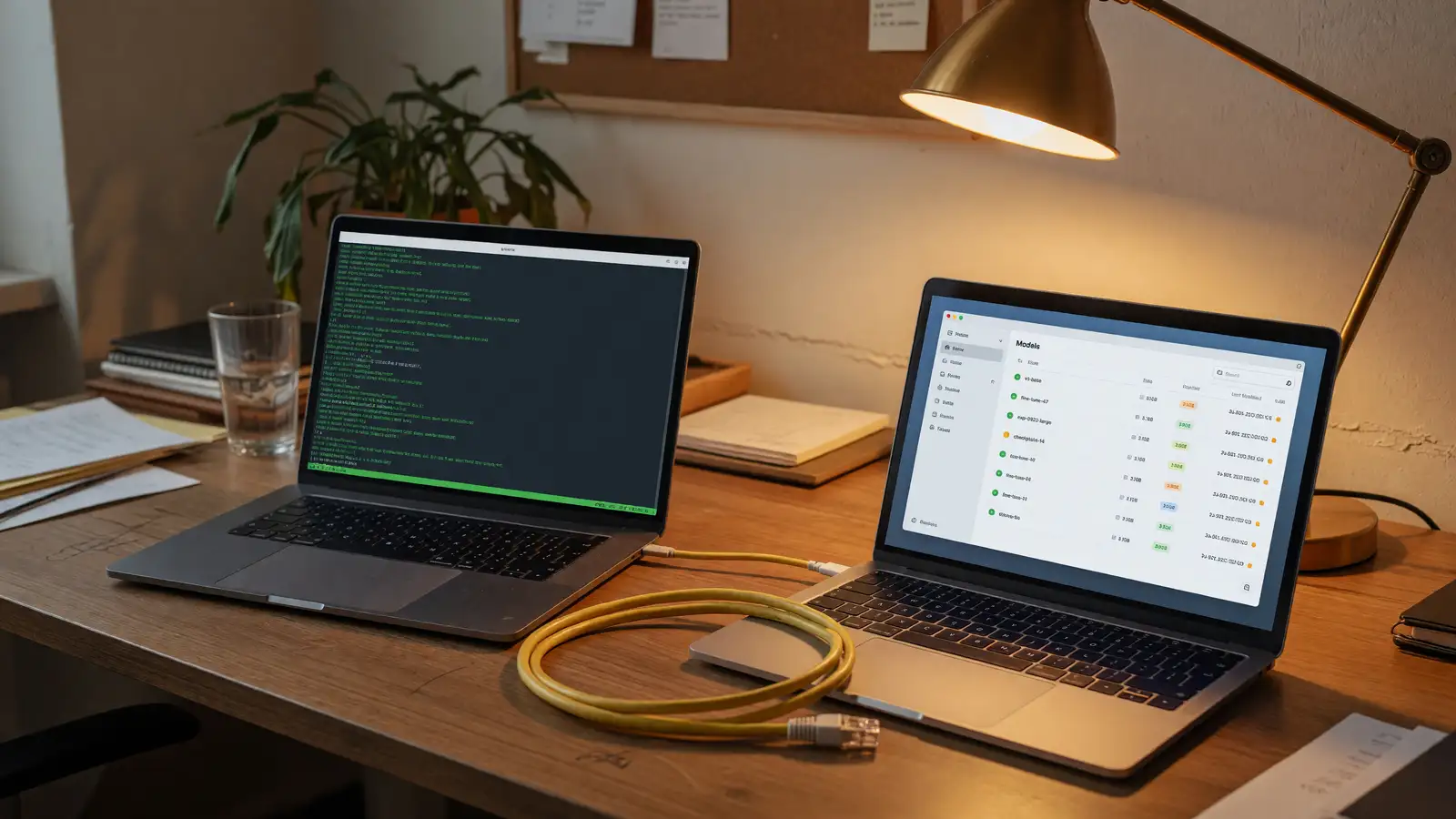
How2Shout’s September 30 local-coding guide is not another Copilot matrix. It names runtimes. Ollama binds 127.0.0.1:11434 and speaks Anthropic enough that Claude Code can point at a box in the room. LM Studio serves GGUF and MLX through an OpenAI-shaped local server. Those are two products. The model tag you pull is a third product people keep forgetting.
OpenAI spent DevDay selling Codex Security Cloud: scan the GitHub repo on a schedule, investigate, dedupe, prepare a fix while the laptop is closed. SD Times already measured the mood. Adoption is high. Trust is not. Favorite tool in that survey is still Claude Code at 41%, then Cursor at 21%, Copilot at 10%. Local runtimes are how some of those people stop sending the repo out. They are not a substitute for the survey’s warning about architecture and security-sensitive code.
This is not a rerun of GitHub Copilot vs Cursor. Those are editors with a subscription. This comparison is the process that answers on localhost.
What you are actually installing
Ollama is a runner. It downloads a packaged model, runs it on the machine you own, and exposes an API. Default bind is localhost port 11434. How2Shout’s useful extra is the Anthropic-compatible surface, which is how Claude Code can be told to use a local model instead of Anthropic’s cloud. Ollama also offers cloud models. That sentence is the trap. Confirm the tag you pulled is actually local. A cloud tag on an Ollama CLI is not “air-gapped.” It is a launcher with extra steps.
LM Studio is a desktop app that will run GGUF and, on Apple silicon, MLX, behind a local server that follows OpenAI’s API layout. If your agent already speaks base_url plus an OpenAI client, LM Studio is the smaller patch. If your agent already speaks Anthropic messages, Ollama is the smaller patch. That is the whole product difference for a lot of setups. People argue about the GUI. The GUI is how you load a GGUF without remembering a compose file. It is not how the agent authenticates.
llama.cpp is the escape hatch How2Shout names for people who want the knobs. vLLM is the escape hatch for a real NVIDIA box that is pretending to be a lab. Neither is this comparison. If you are on a laptop and you want a local coder in VS Code via Cline or Continue, you are in Ollama-versus-LM-Studio country.
The model is still the thing that writes the diff. Qwen’s 27B-class cards, Qwen3.8, Qwen3-Coder-Next, Devstral Small 2, North Mini Code — How2Shout lists them as the current local-coding conversation. None of those names are Ollama. None of them are LM Studio. If you compare the two apps by chatting with whatever 7B they suggested on first launch, you wrote a review of the onboarding model.
Ports, clients, and the lie of “compatible”
Anthropic-compatible and OpenAI-compatible are marketing words that mean “enough of the JSON that the client you already have will boot.” Tool calling, streaming, vision, and max-token defaults still drift. Claude Code talking to Ollama will not get every Anthropic header. A Continue config pointed at LM Studio will not get every OpenAI-only field. Budget an evening for the mismatch. If that evening is worse than paying Copilot, you will churn, and it will not be the model’s fault.
Cline and Continue, in the same How2Shout piece, are the editors’ side of the local stack. VS Code is the host. The runtime is the backend. Swapping Ollama for LM Studio should be a base URL and an API dialect, not a new religion. If your team cannot write that down in a README, you do not have a local policy. You have one person’s laptop.
Ollama wins the headless case. A Linux box, a systemd unit, port 11434, no Electron window required. LM Studio wins the “I need to see the model loaded and the context slider” case. That is a real split. A lot of local-coding failures are people who needed the slider and installed the daemon, or people who needed the daemon and installed the slider.
The cloud footnote on Ollama matters more after DevDay. If the CLI can reach out, your “local” coding assistant is one tag away from being Codex with extra friction. Pin the model. Pin the bind address. Disable the path you do not want. LM Studio’s local server is easier to reason about because the app is either serving or it is not. It is also easier to quit and forget, which is how your agent starts erroring at 9 a.m.
Cloud Codex is the other product in the room
DevDay’s Codex Security Cloud is the opposite job. It wants the GitHub repository. On-demand or scheduled scans. New commits stay in the loop. Findings get investigated, duplicates dropped, fixes prepared in the cloud. Daybreak Blue models are in the bundle without a separate Daybreak app. Pro, Business, Enterprise, Edu. Desktop and web.
ChatGPT desktop also got a code-review mode: summaries, diffs, ask Codex, plus automatic cloud reviews while you are away. That last clause is the product. The laptop can close. Ollama cannot review the repo you did not copy onto the disk. LM Studio cannot either.
So the honest matrix is not Ollama vs LM Studio vs Codex. It is:
- Local runtime for the file you already have open, on hardware you accept.
- Cloud scanner for the org repo you will not copy onto a gaming GPU.
If your threat model is “the vendor does not see this code,” Codex Security Cloud is out, and you are choosing a port. If your threat model is “nobody on the team is going to babysit 11434,” Ollama-on-a-laptop is out, and you are buying a seat. SD Times is the mood music for both. Developers still treat model output like junior code. They should. Security-sensitive paths are on the “still struggles” list. A local 27B does not get a pass because the packets stayed on the LAN.
We already compared Warp and iTerm as terminals and VS Code and Zed as editors. The runtime is downstream of both. Pick the editor first only if the client support is the constraint. Pick the runtime first if the constraint is “this repo never leaves the machine.”
Trust was never going to be a GUI problem
SD Times: AI is fine at repetitive code, explanations, examples, simple refactors, and docs. It is bad at architecture, hard debugging, long-horizon context, security-sensitive code, and the business rules only your company knows. Local versus cloud does not rewrite that list. It rewrites who sees the prompt.
Claude Code leading satisfaction at 41% is why Ollama’s Anthropic-shaped API is the more interesting compatibility story this week. People who already like Claude Code and want a local backend have a path that does not start with rewriting their agent. Cursor people on 21% are more likely to already speak OpenAI-shaped endpoints, which is LM Studio’s patch. Copilot at 10% in that favorite ranking is a reminder that default install is not love. None of those numbers are a local-model quality score. They are a client preference score. Match the client, then pick the weights.
How2Shout’s closer is the only evaluation method that matters. Shortlist two models. Run them on your tickets, with the same agent, on the same runtime. Hardware first. A 27B that does not fit is not a 27B. It is swap death. MoE with a small active set is how you fake a bigger model on a smaller card if you count VRAM honestly.
Do not pick Ollama because a blog said it won. Pick it because you need 11434 and a unit file. Do not pick LM Studio because the window is prettier. Pick it because you load GGUF all afternoon and you want a slider. If you need both, that is allowed. It is also how you get two copies of the same 20GB file.
Hardware is the constraint How2Shout keeps returning to and blogs keep skipping. A Qwen 27B that needs more VRAM than the laptop has is not a local coding model. It is a download that will swap. Small-active MoE cards are how you get more quality on a 12–16GB box if you count the active parameters, not the billboard size. Multimodal tags (Gemma 4, Muse Glimmer in that roundup) only matter if your tickets include screenshots. If your tickets are pytest failures, vision weights are ballast.
llama.cpp remains the control freak option: you set threads, offload, and batch without an app opinion. vLLM remains the lab option: a real NVIDIA server, not a MacBook. Mentioning them here is only to bound the comparison. If you have already outgrown a single consumer GPU, Ollama versus LM Studio is the wrong article. You are in serving-framework country, and DevDay’s cloud scanner may be cheaper than your electricity.
One more client footnote. Claude Code on Ollama is only a win if the Anthropic-shaped endpoints cover the tools you actually use. Continue on LM Studio is only a win if the OpenAI-shaped /v1/chat/completions path does tool calls the way your config expects. Test with one repo that has a linter error, not with “write a poem.” The SD Times list still applies: repetitive edits, yes; architecture, no. Local does not make the model senior.
Winner, with the boring reasons
Ollama. Not because the chat is smarter. Because the default job in this comparison is a local coding backend, and a bind address plus a CLI is the thing you can put in a dotfiles repo. The Anthropic-compatible path is the one that meets the tool developers already said they like. The cloud-tag footgun is real; write it in the README next to pull.
LM Studio is the right machine for a single developer on a Mac who thinks in GGUF and OpenAI clients and does not want systemd. It loses the headless case and the “this must still be running after I close the window” case.
Codex Security Cloud is not in the scoring. It is the product you buy when localhost was never the requirement. If that is you, stop reading runtime blogs and go read the DevDay post. If that is not you, pick a port, pin a tag, and keep reviewing the diff like it came from a junior who does not know your threat model. The survey already told you the enthusiasm drop is the healthy part.