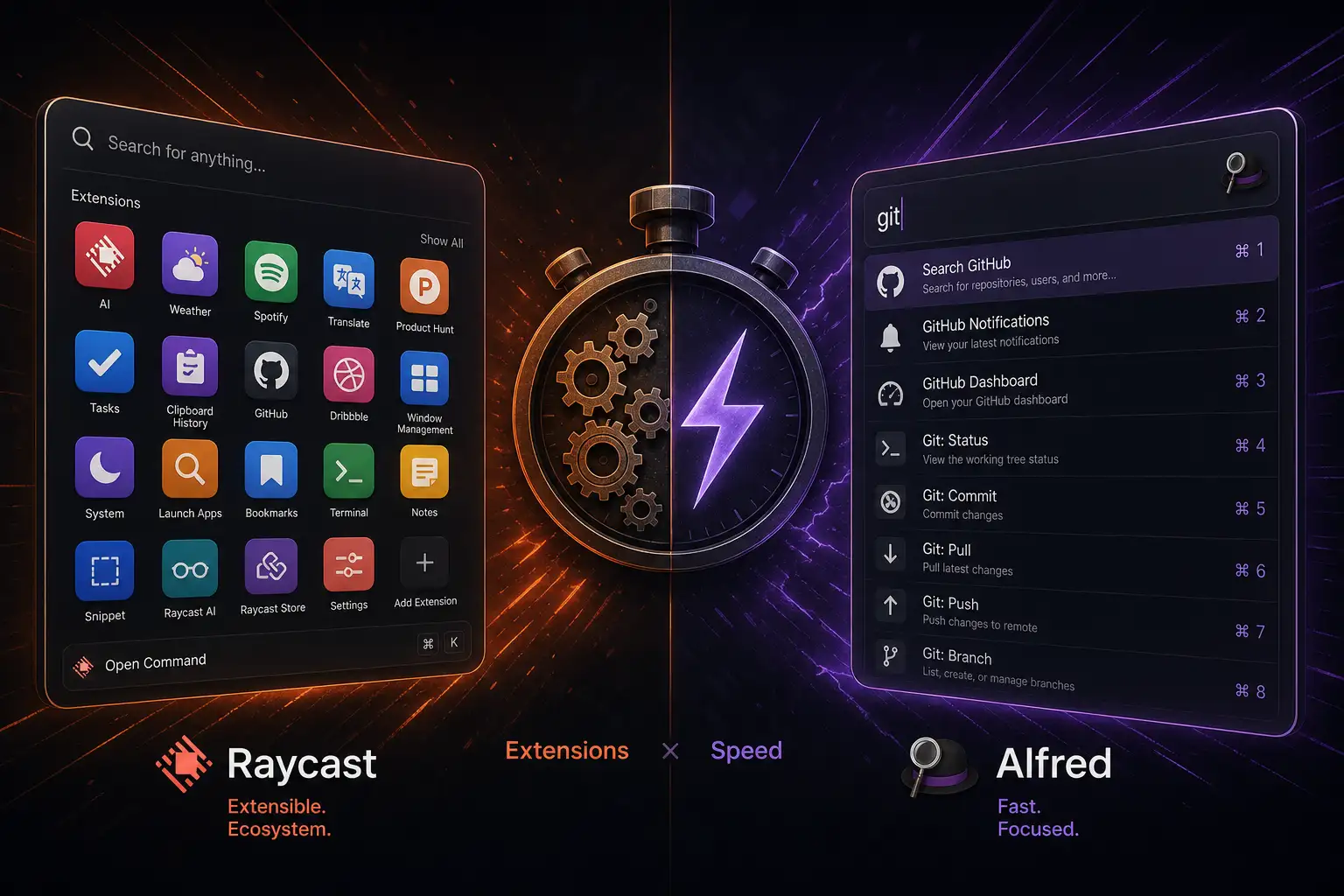
Every Mac power user eventually replaces Spotlight. The built-in search is fine for launching apps, but it cannot do the things that make you feel like a wizard at your keyboard: control your music, manage your clipboard, run scripts, convert units, search your notes, and integrate with every tool you use.
Raycast and Alfred are the two launchers that dominate this space. Both replace Spotlight. Both have passionate user bases. But they feel very different to use, and the choice between them says something about how you work.
Core Functionality
Both launchers do the basics well: launch apps, search files, perform calculations, search the web. The differences emerge in how they approach everything else.
Alfred is a traditional launcher with deep configurability. The workflow system lets you chain actions together — search a file, copy its path, open it in a specific app — using a visual builder or script. The clipboard history and snippet expansion are best-in-class. Alfred feels like a precision tool: fast, predictable, and exactly what you configured it to be.
Raycast is a platform disguised as a launcher. The extension store has hundreds of community-built extensions that integrate with GitHub, Jira, Linear, Spotify, Notion, and more. You can create GitHub issues, control Spotify playback, search your Notion pages, and manage your calendar without leaving the launcher. Raycast feels like a command center.
Alfred is faster at pure launching. Raycast is more capable at everything else.
Extensions and Ecosystem
Raycast’s extension store is its killer feature. Built by a community of developers, the extensions are easy to install and instantly useful. Want to search your GitHub repositories? There is an extension. Want to create a Linear issue from selected text? There is an extension. Want to translate text, check your Vercel deployments, or search your Obsidian vault? Extensions exist for all of these.
Alfred’s workflow ecosystem is older and has deep, powerful workflows — but they are harder to find, often require manual installation, and many have not been updated in years. The community is dedicated but smaller.
Raycast wins on extensions. The ease of discovery, installation, and regular updates makes the extension ecosystem feel alive in a way Alfred’s does not.
AI Features
Raycast has built-in AI features: AI chat, AI writing assistance, and AI-powered quick actions. You can select text in any app, invoke Raycast, and ask it to summarize, rewrite, or translate. The AI chat can answer questions, generate code, and brainstorm ideas without opening a browser. Raycast Pro ($8/month) unlocks unlimited AI usage and cloud sync.
Alfred has no built-in AI features. You can create workflows that call AI APIs, but there is no integrated AI experience.
Raycast’s AI features are genuinely useful for quick tasks. Whether they are worth the Pro subscription depends on how often you reach for AI assistance.
Design and Polish
Raycast’s UI is modern, polished, and visually rich. Search results display with icons, subtitles, and previews. The extension store is browsable within the app. The settings are well-organized. Everything looks and feels like a first-party Apple app.
Alfred’s UI is functional but dated. The preferences window looks like it is from the macOS 10.9 era. The theming options help, but the visual polish is not on Raycast’s level. Alfred’s defenders will say the UI does not matter — you look at it for seconds at a time — and they are not wrong.
Raycast is prettier. Alfred is not trying to be pretty.
Performance
Alfred is faster. Launching feels instantaneous. Search results appear as you type with no perceptible delay. The app uses minimal system resources.
Raycast is fast enough — results appear in under 200ms — but it is slightly slower than Alfred, especially with many extensions loaded. The Electron-based architecture (yes, it is built on Electron) means it uses more memory than Alfred’s native codebase.
Alfred wins on raw speed. Raycast is fast enough for most people. If you measure launchers in milliseconds, Alfred is the choice.
Pricing
Raycast is free for the core launcher and extensions. Raycast Pro ($8/month) adds unlimited AI, cloud sync, and custom themes. For most users, the free version is all you need.
Alfred’s free version does the basics: app launching, file search, web search. The Powerpack (£34 one-time) unlocks workflows, clipboard history, snippets, and advanced features. There is no subscription.
Alfred is cheaper long-term. Raycast’s free tier is more capable than Alfred’s free tier. Raycast Pro adds AI at a recurring cost.
Verdict
Raycast is the better launcher for most people. The extension ecosystem, AI features, and modern design make it feel like a tool from 2026, not 2012. The free tier is genuinely useful without spending money, and Pro is worth it if you use AI frequently.
Alfred is the better launcher for purists who value speed above everything else and do not need extensions or AI features. If you want a launcher that gets out of your way and does exactly what you configured it to do with zero latency, Alfred is still the gold standard.
Try Raycast first — it is free and the migration from Alfred takes five minutes. If you find yourself missing Alfred’s speed, you can always switch back.