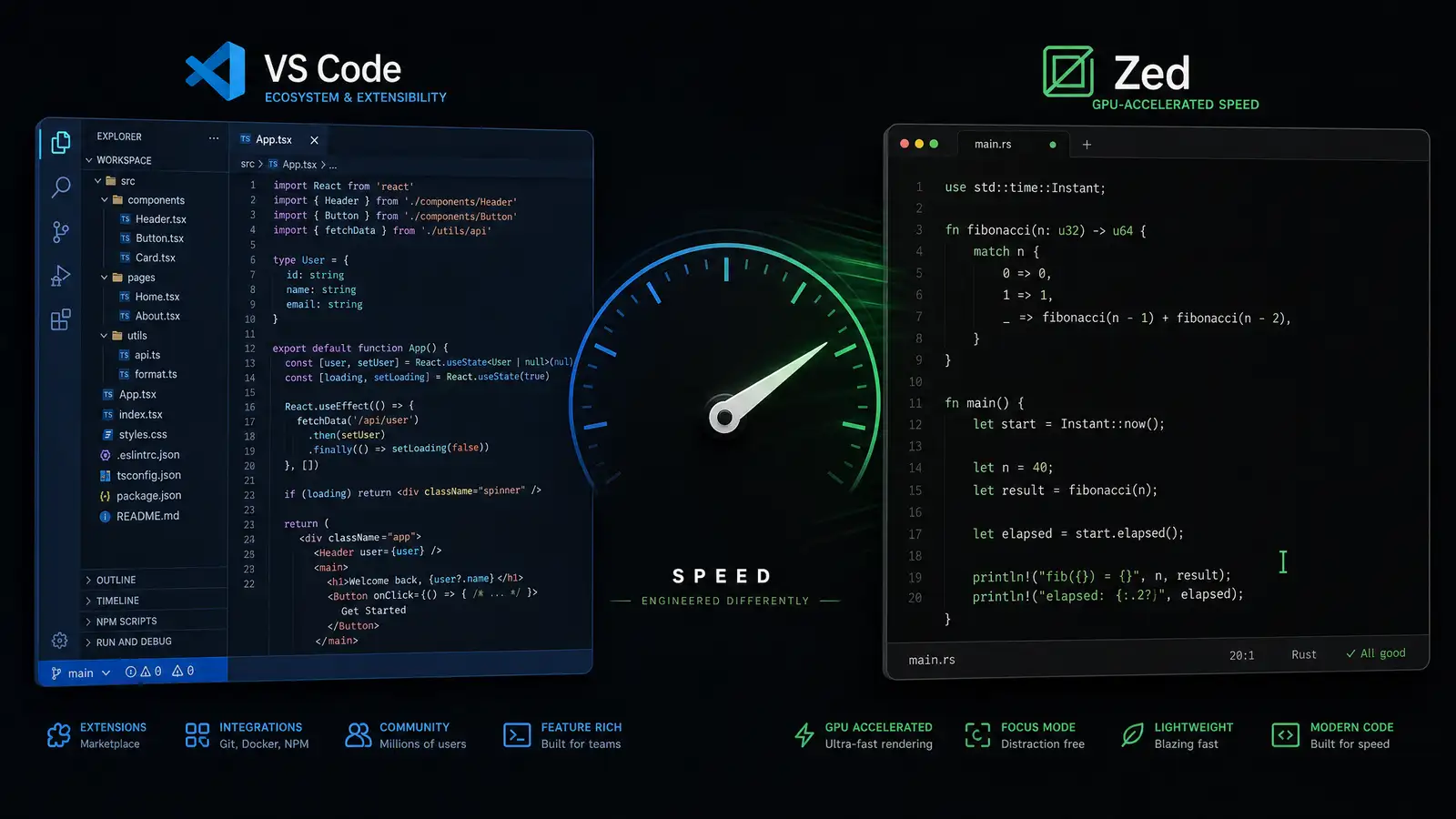
VS Code is the default. Microsoft’s open-source editor has over 75% market share among developers according to the 2025 Stack Overflow survey, and for good reason — it runs everywhere, has an extension for everything, and gets better every month.
Zed is the challenger. Built by the same team that created Atom, it is written in Rust, renders on the GPU, and opens files faster than you can blink. The pitch is simple: an editor that never gets in your way.
Having used both for daily work across TypeScript, Python, and Rust projects, here is what each one does well and where the pain points are.
Performance
Zed is absurdly fast. Cold startup takes under 200 milliseconds on an M-series Mac. Opening a 50,000-line file is instant. Scrolling through a large codebase feels like scrolling through a text file from 1995 — zero lag, zero jank.
VS Code, running on Electron, takes a few seconds to start and can feel heavy when you have 30 extensions loaded. On a modern machine, the difference is noticeable but not deal-breaking. On an older laptop, Zed’s speed advantage becomes a real productivity multiplier.
The tradeoff: Zed achieves its speed by being more opinionated. VS Code’s extension model is more flexible, but every extension you add costs performance. Zed’s built-in features — multi-cursor, project-wide search, syntax highlighting — are all optimized together because there is no extension sandbox to work around.
Language Support and Extensions
VS Code has a marketplace with over 50,000 extensions. Whatever language, framework, or workflow you need, there is probably a well-maintained extension for it. The Language Server Protocol support means you get IntelliSense, go-to-definition, and refactoring for almost any language.
Zed supports fewer languages natively — TypeScript, Rust, Python, Go, C, JSON, and a handful more. It uses Tree-sitter for syntax highlighting and has built-in LSP support, but the experience is less polished for niche languages. The extension system exists but is still young compared to VS Code’s decade of ecosystem growth.
For full-stack web development, VS Code’s ecosystem is hard to beat. For Rust or systems programming, Zed’s native performance and Rust tooling integration make it the better choice.
AI Features
VS Code integrates deeply with GitHub Copilot, offering inline completions, chat, and code explanations directly in the editor. The Copilot Chat experience in VS Code is the most mature AI coding assistant on the market.
Zed has built-in AI features through its assistant panel, supporting multiple models including Claude and GPT-4. The integration is clean but less feature-rich than Copilot. Zed also has a unique collaborative editing feature — multiple developers can work in the same file simultaneously, similar to Google Docs but for code.
If AI-assisted coding is central to your workflow, VS Code + Copilot is the current leader. If you want lightweight AI features and real-time collaboration, Zed’s approach is worth trying.
Design and UX
Zed’s UI is minimal to the point of being stark. There are no tabs in the traditional sense — files open in panes that you navigate with keyboard shortcuts. The command palette is the primary interface. If you like VS Code’s sidebar-and-tabs layout, Zed will feel foreign at first.
VS Code’s UI is familiar, customizable, and approachable. The activity bar, sidebar, and panel layout makes sense to most developers within minutes of opening it. Themes, icon packs, and layout customization are extensive.
Zed’s minimalism forces efficiency once you learn it, but the learning curve is real. VS Code meets you where you are.
Verdict
VS Code remains the best general-purpose editor for most developers. The extension ecosystem, mature AI integration, and approachable UX make it the safe choice.
Zed wins on raw performance and collaborative editing. If you work primarily in Rust, TypeScript, or Python, and you value speed above all else, Zed might make you forget why you ever tolerated Electron-based editors. For everyone else, VS Code is still the editor to beat.